


Learn Basic Photography Course with DSLR Camera
Master DSLR Photography and capture stunning photos! Learn various shooting angles and editing tools to enhance your images—perfect for impressing others or cherishing memories



Course Start Date
Schedule
- Days: 2 Days
- Duration: 14 Hours
- Timings: 9:30 AM - 5:30 PM
- 10 Anson Road, 26-08A International Plaza, Singapore 079903
Why Choose Us
- Expert Local Trainers
- Hands-on Training by experts
- Certificate of Achievement
Who Should Attend This Photography Training with DSLR Camera
DSLR photography training is ideal for those who loves to do photography

Business professionals

Analyst

Entrepreneur

Training Professionals

Student
Course Completion Requirements
Minimum 75% attendance is required in order to complete the course and receive the course completion certificate

Above 16 years old

High School Level English

Basic internet & computer operation skills


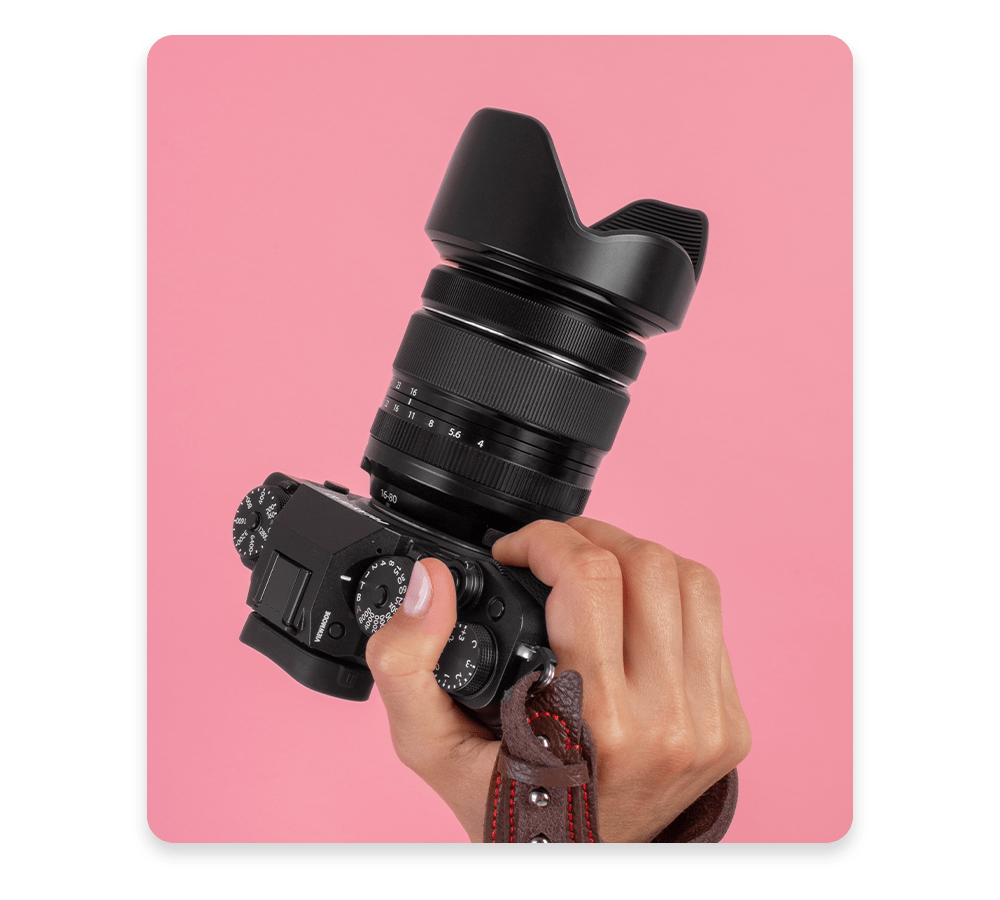
Basic Photography Course with DSLR Camera
All Hands-On training with indoor and outing sessions.
About Course: This path is designed for novices who want to create a solid base in images. You will study the vital strategies and get a better know-how of various varieties of cameras. This consists of each idea and realistic practice to grow confidently developing behind the lens
Target Student: Anyone who love Photography
Accessories for Photography Training (optional):
- A Tripod
- Cable Release
- Torch
- Circular Polarizes – CPL Filter
- Camera Flash
Photography Fundamentals:
- 2 lessons – hands-on photography & after effect enhancement
- Need to have a DSLR / Mirror-Less Camera & Laptop with Photoshop for practical session
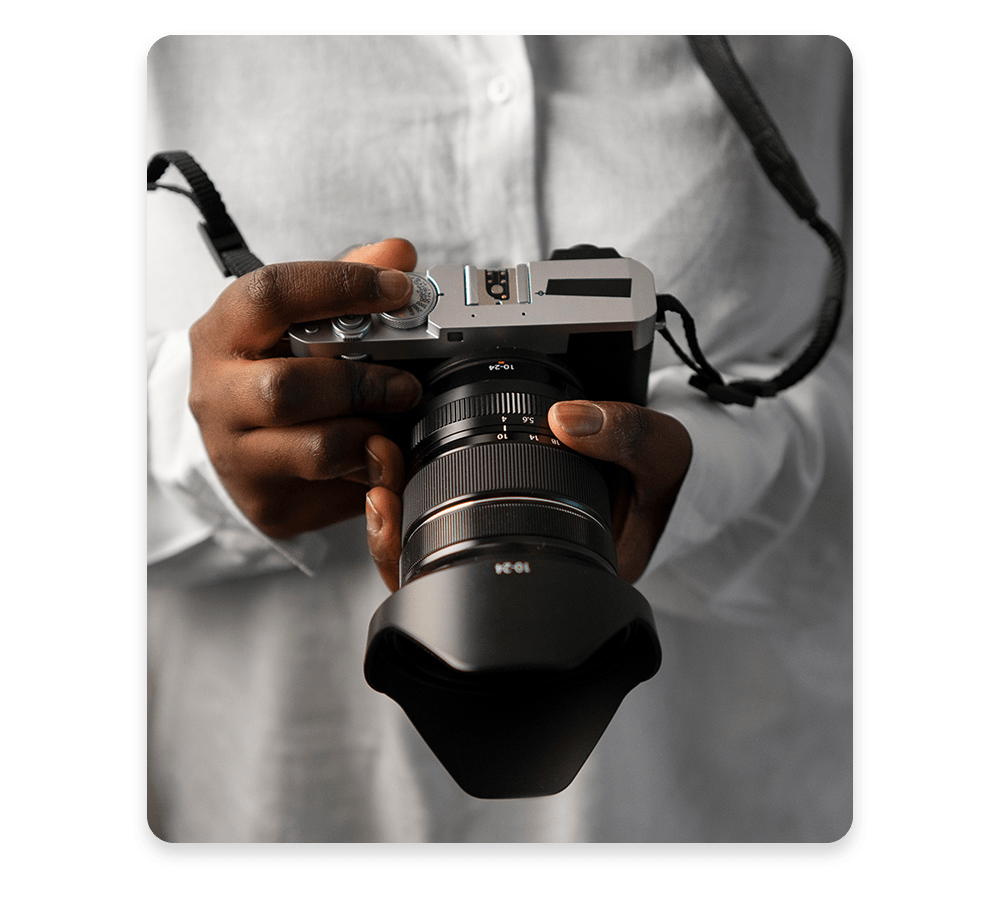
Photography Course Outlines and Schedule
Lesson 1
- Knowing your Camera Equipment
- Understanding basic concept of Camera
- Learning Apertures, Shutter speeds, ISO and White Balance (AWB, WB)
- Exposure Modes: From Auto to Manual
- Understanding Color Temperature
- Flash Usage and Exposure Metering
Lesson 2
- Understanding Composition & Lighting
- Tips and tricks on each angle of photo
- Good photography Tips and technique
- Practical outing photography session
Lesson 3 Photoshop Session
- Sharing Photos
- Discuss about photos we took
- Learn how to edit photos
- Closing session
Frequently Asked Questions (FAQ)
Who is this course for?
This course is tailored for beginners who are passionate about photography and want to build a strong foundation in essential techniques and camera handling, including both DSLR and mirrorless systems.
What are the age and educational requirements?
- Age: Participants must be at least 16 years old.
- Language: A high school level of English proficiency is required, along with basic internet and computer skills.
What will the course cover?
- Practical sessions: Both indoor and outdoor shooting exercises.
- Theory sessions: Key photography concepts like camera operation, ISO, shutter speed, aperture, white balance, exposure modes, metering, lighting, and color temperature.
- Filmmaking & editing: A hands-on photography outing and a session on editing using tools such as Photoshop.
What equipment do I need?
- You’ll need your own DSLR or mirrorless camera and a laptop with Photoshop for the practical workshop.
- Optional accessories (if available): a tripod, cable release, torch, ND filter, CPL filter, and camera flash.
Reviews of Our Students
I took an Excel course at Training Singapore, and it was extremely beneficial. The trainer explained everything from basic to advanced features like VLOOKUP, Pivot Tables, and Macros in a simple and easy-to-understand way.
The course fees at Training Singapore were fully covered by SkillsFuture Credit. This is a great opportunity if you are a Singapore resident looking to enhance your skills.
The course material was well-organized, covering key areas such as Excel interface, data entry, formulas, and reporting. It made learning structured and effective.
The trainers were not only highly skilled in their subjects but also provided personalized assistance, making complex concepts easy to understand.
Training Singapore offers both online and offline training options, allowing students to choose according to their convenience and learning preferences.
I took an Excel course at Training Singapore, and it was extremely beneficial. The trainer explained everything from basic to advanced features like VLOOKUP, Pivot Tables, and Macros in a simple and easy-to-understand way.
The course fees at Training Singapore were fully covered by SkillsFuture Credit. This is a great opportunity if you are a Singapore resident looking to enhance your skills.