


Learn Adobe Illustrator Course Singapore
In this Illustrator course you will learn photo editing From beautifying images to designing posters and enchanting graphics.



Course Start Date
Schedule
- Days: 2 Days
- Duration: 14 Hours
- Timings: 9:30 AM - 5:30 PM
- 10 Anson Road, 26-08A International Plaza, Singapore 079903
Why Choose Us
- Expert Local Trainers
- Hands-on Training by experts
- Certificate of Achievement
Who Should Attend This illustrator Course Singapore
All creatives, designers, web designers, who wants to create logo and marketing collateral.

Business professionals

Analyst

Entrepreneur

Training Professionals

Student
Course Completion Requirements
Minimum 75% attendance is required in order to complete the course and receive the course completion certificate

Above 16 years old

High School Level English

Basic internet & computer operation skills


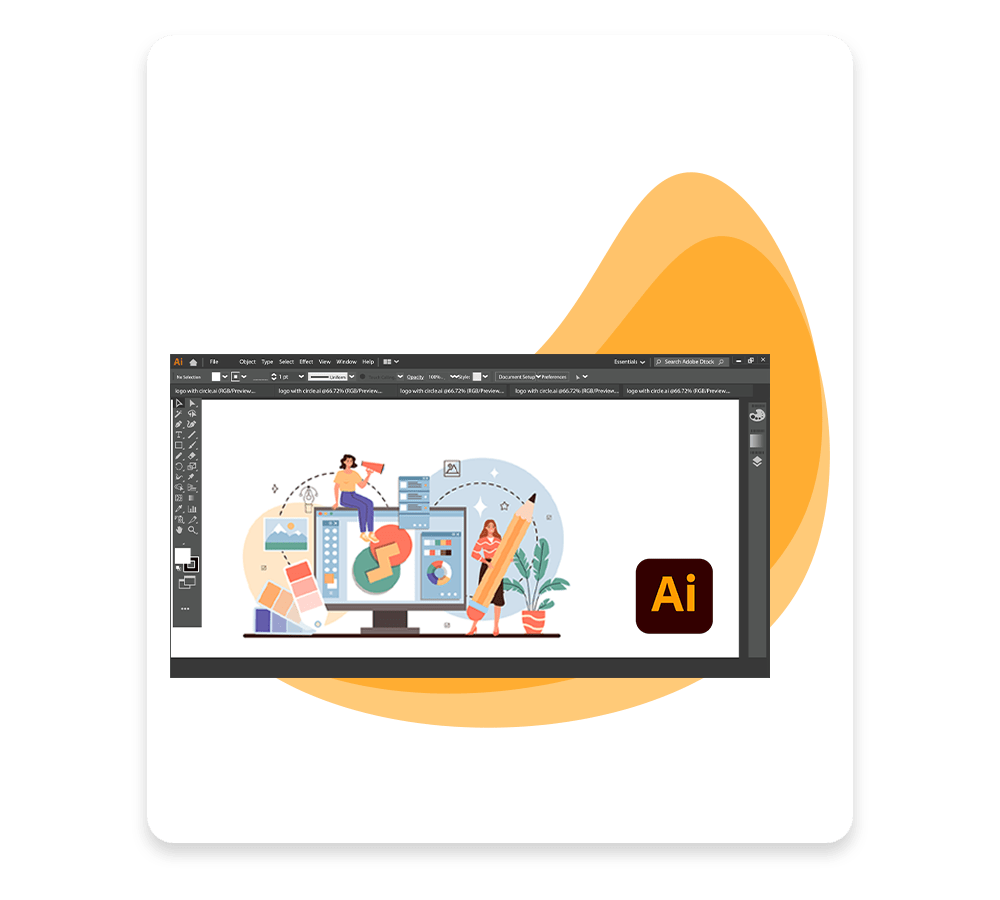
Adobe Illustrator Course Singapore
About Course: In this course you will explore the design techniques required to bring a wide range of creative ideas and works of art. You will achieve the skills to design posters, web graphics, marketing materials and visual assets that fit your projects.
Towards the end of the course, you will be able to use Adobe Illustrator with confidence and use your powerful devices on design features in the real world-for personal use, professional branding or customer work.
Target Student: All creatives, designers, web designers, who wants to create logos and marketing collateral.
Adobe Illustrator Course Outline
Understanding Design
- Why to use Illustrator
- Objective of Illustrator Software
- Brief overview of Illustrator
- Workspace of Illustrator
- Anatomy of Illustrator
Playing With Colors
- Selecting colors
- Adjusting colors
- Color groups & themes
Working On Object
- Selecting and arranging objects
- Combining objects
- Moving, aligning, and distributing objects
- Duplicating objects
- Reshaping objects
- Importing, exporting, and saving
Extras In Illustrator
- Creating special effects
- Web graphics
- Working with FXG
- Printing
- Automating tasks
- Graphs
Drawing With Illustrator
- Drawing basics
- Drawing tools
- Editing paths
- Perspective drawing
- Symbolism tools and symbol sets
Painting With Illustrator
- Painting with fills and strokes
- Gradients panel & tools
- Stroke an object
- Meshes
- Patterns
Typography With Illustrator
- Importing and exporting text
- Creating text
- Creating type on a path
- Scaling and rotating type
- Fonts, Formatting,
- Character and paragraph styles
Typography With Illustrator
- Importing and exporting text
- Creating text
- Creating type on a path
- Scaling and rotating type
- Fonts, Formatting,
- Character and paragraph styles
Adobe Illustrator Course – Frequently Asked Questions (FAQ)
What are the completion requirements?
To earn the Course Completion Certificate, participants need to maintain a minimum of 75% attendance.
Who is this course designed for?
It’s tailored for creatives, designers, web designers, and anyone interested in crafting logos, marketing collateral, posters, web graphics, or similar visual projects.
Is the course suitable for beginners?
Absolutely. The course is beginner-friendly; participants should be above 16 years old, proficient in high school–level English, and comfortable with basic computer and internet usage
What will I learn during the course?
You’ll gain expertise in:
- Illustrator interface and workspace fundamentals, including layout and purpose of the software
- Color handling (selection, adjustment, color groups/themes)
- Object manipulation (selecting, arranging, combining, aligning, duplicating, reshaping)
- Drawing tools, perspective drawing, symbolism, and path editing
- Painting techniques (fills, strokes, gradients, meshes, pattern tools)
- Typography tools (text creation, formatting, styles, text on a path)
- Extra features such as special effects, web graphics, printing options, automation, and graphs
Reviews of Our Students
I took an Excel course at Training Singapore, and it was extremely beneficial. The trainer explained everything from basic to advanced features like VLOOKUP, Pivot Tables, and Macros in a simple and easy-to-understand way.
The course fees at Training Singapore were fully covered by SkillsFuture Credit. This is a great opportunity if you are a Singapore resident looking to enhance your skills.
The course material was well-organized, covering key areas such as Excel interface, data entry, formulas, and reporting. It made learning structured and effective.
The trainers were not only highly skilled in their subjects but also provided personalized assistance, making complex concepts easy to understand.
Training Singapore offers both online and offline training options, allowing students to choose according to their convenience and learning preferences.
I took an Excel course at Training Singapore, and it was extremely beneficial. The trainer explained everything from basic to advanced features like VLOOKUP, Pivot Tables, and Macros in a simple and easy-to-understand way.
The course fees at Training Singapore were fully covered by SkillsFuture Credit. This is a great opportunity if you are a Singapore resident looking to enhance your skills.