


Learn Video Editing with Final Cut Pro X for Beginners
Final Cut Pro X course is designed for beginners interested in getting started with video editing using Apple’s Final Cut Pro X.
UTAP
NTUC membersCourse Start Date
Schedule
- Days: 1 Days
- Duration: 7 Hours
- Timings: 9:30 AM - 5:30 PM
- 10 Anson Road, 26-08A International Plaza, Singapore 079903
Why Choose Us
- Expert Local Trainers
- Hands-on Training by experts
- Certificate of Achievement
Who Should Attend This Final Cut Pro Course Singapore
Video editing with final cut pro course is ideal for those who wants to take editing skill to next level

Business professionals

Analyst

Entrepreneur

Training Professionals

Student
Course Completion Requirements
Minimum 75% attendance is required in order to complete the course and receive the course completion certificate

Above 16 years old

High School Level English

Basic internet & computer operation skills


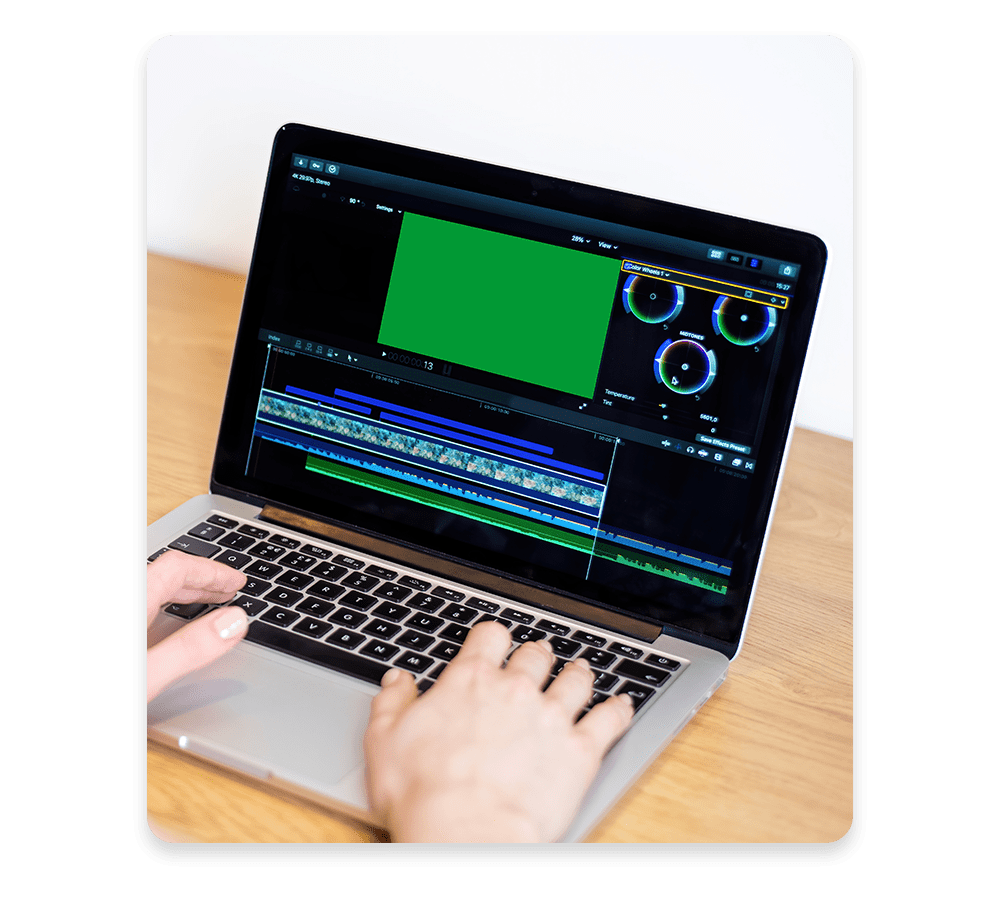
Video Editing with Final Cut Pro X for Beginners
Final Cut Pro X course is designed for beginners interested in getting started with video editing using Apple’s Final Cut Pro X.
Objective:
This course will introduce Final Cut Pro X! You will learn:
- How to import video, audio and images.
- The process of editing these assets into a compelling story.
- All you need to know about exporting your work as a final polished video.
- Includes a step-by-step easy-to-follow checklist for learning the interface and basic functions of FCP X!
Requirement:
- Bring your own MacBook installed with Final Cut Pro X.
- Must have a minimum understanding of the operating system, at least, the concept of copy/paste, files/folders and save/delete functions.
You Will Get:
Target Audience:
- Digital course notes and slides
- Working files; including backgrounds, music and sound effects
- Private group access to the instructor after the course
- Business Owners, Marketing Professionals, Trainers, and Public Speakers.
- Small Businesses, Multinational Corporates, Government Agencies and Education Institutes.
- Digital Marketers, Social Media Managers, Multi-Media Journalists, Communication Directors, Community Managers

Grants available
UTAP
Union Training Assistance Programme
UTAP : Update info about UTAP funding on all pages.
Learn Final Cut Pro: Course Outline:
Module 1. Getting Started
In This Hands-On Video Editing Workshop, You Will Discover:
- The essential features of Final Cut Pro X
- The step-by-step video editing technique
- How to enhance video with color correction and effects
- How to repair and improve audio with filters and keyframes
- The science of telling attention-grabbing visual stories
Favorite topics among participants are green screen keying, animating clips, and exporting best YouTube quality.
Frequently Asked Questions (FAQ)
What is this course about?
This one-day, beginner-friendly workshop introduces you to the world of video editing using Apple’s Final Cut Pro X. You’ll learn to import media, build compelling stories, and export polished video projects.
Who should attend this course?
Ideal for beginners—such as graphic designers, motion graphics artists, video editors, training professionals, business owners, marketing or social media professionals, and educators—who want to level up their editing skills with Final Cut Pro X.
What will I learn?
- Importing video, audio, and images
- Editing footage into a cohesive and engaging story
- Exporting your final, polished video
- Navigating the Final Cut Pro interface with a step-by-step checklist
What are the requirements to join?
- Age: 16 years or older
- Skills: Basic English proficiency, internet & computer literacy
- Equipment: Bring your own MacBook with Final Cut Pro X installed and a basic understanding of your operating system (e.g., copy/paste, file management)
Is there any certification or attendance requirement?
Yes—participants must attend at least 75% of the course to receive a Certificate of Achievement.
Reviews of Our Students
I took an Excel course at Training Singapore, and it was extremely beneficial. The trainer explained everything from basic to advanced features like VLOOKUP, Pivot Tables, and Macros in a simple and easy-to-understand way.
The course fees at Training Singapore were fully covered by SkillsFuture Credit. This is a great opportunity if you are a Singapore resident looking to enhance your skills.
The course material was well-organized, covering key areas such as Excel interface, data entry, formulas, and reporting. It made learning structured and effective.
The trainers were not only highly skilled in their subjects but also provided personalized assistance, making complex concepts easy to understand.
Training Singapore offers both online and offline training options, allowing students to choose according to their convenience and learning preferences.
I took an Excel course at Training Singapore, and it was extremely beneficial. The trainer explained everything from basic to advanced features like VLOOKUP, Pivot Tables, and Macros in a simple and easy-to-understand way.
The course fees at Training Singapore were fully covered by SkillsFuture Credit. This is a great opportunity if you are a Singapore resident looking to enhance your skills.